This page was last updated: January 3, 2025

| 
| 
| 
|
| Refraction | Refraction with Noise | Reflection | Reflection with Noise |
Using a GLIB file (for glman) or using the GLSL API, use the following uniform variables:
| Parameter | What It Does | Does it have to be varied? |
|---|---|---|
| uMix | Blend of reflection and refraction | Yes |
| uNoiseAmp | Noise Amplitude | Yes |
| uNoiseFreq | Noise Frequency | Yes |
| uEta | Index of refraction | No |
| uWhiteMix | Mixing of WHITE with the refraction | No |
##OpenGL GLIB
Perspective 70
LookAt 0 0 3  0 0 0  0 1 0

Vertex texture.vert
Fragment texture.frag
Program Texture  TexUnit 6

Texture2D  6  nvposx.bmp
QuadYZ 5. 5. 10 10

Texture2D  6  nvnegx.bmp
QuadYZ -5. 5. 10 10

Texture2D  6  nvposy.bmp
QuadXZ 5. 5. 10 10

Texture2D  6  nvnegy.bmp
QuadXZ -5. 5. 10 10

Texture2D  6  nvposz.bmp
QuadXY 5. 5. 10 10

Texture2D  6  nvnegz.bmp
QuadXY -5. 5. 10 10

CubeMap 6 nvposx.bmp nvnegx.bmp  nvposy.bmp nvnegy.bmp   nvposz.bmp nvnegz.bmp
CubeMap 7 nvposx.bmp nvnegx.bmp  nvposy.bmp nvnegy.bmp   nvposz.bmp nvnegz.bmp

Vertex		cube.vert
Fragment	cube.frag
Program    	Cube				\
           	uReflectUnit 6             	\
           	uRefractUnit 7             	\
		uMix <0. 0. 1.>			\
        	uNoiseAmp <0. 0. 5.>		\
        	uNoiseFreq <0.0 0.1 0.5>	\
		uWhiteMix 0.2			\
		uEta 1.4

Scale 0.4
Obj cow.obj
float Eta;
float Mix;
float NoiseAmp;
float NoiseFreq;
GLSLProgram Pattern;
GLuint CubeName;
char * FaceFiles[6] =
{
	"kec.posx.bmp",
	"kec.negx.bmp",
	"kec.posy.bmp",
	"kec.negy.bmp",
	"kec.posz.bmp",
	"kec.negz.bmp"
};

. . .

void
InitGraphics( )
{
	// open the window . . .
	// setup the callbacks . . .
	// initialize glew . . .
	// create and compile the shader . . .
	// set the uniform variables that don't need to vary . . .
	glGenTextures( 1, &CubeName );
	glBindTexture( GL_TEXTURE_CUBE_MAP, CubeName );
	glTexParameterf( GL_TEXTURE_CUBE_MAP, GL_TEXTURE_WRAP_S, GL_REPEAT );
	glTexParameterf( GL_TEXTURE_CUBE_MAP, GL_TEXTURE_WRAP_T, GL_REPEAT );
	glTexParameterf( GL_TEXTURE_CUBE_MAP, GL_TEXTURE_WRAP_R, GL_REPEAT );
	glTexParameterf( GL_TEXTURE_CUBE_MAP, GL_TEXTURE_MAG_FILTER, GL_LINEAR );
	glTexParameterf( GL_TEXTURE_CUBE_MAP, GL_TEXTURE_MIN_FILTER, GL_LINEAR );
	for( int file = 0; file < 6; file++ )
	{
		int nums, numt;
		unsigned char * texture2d = BmpToTexture( FaceFiles[file], &nums, &numt );
		if( texture2d == NULL )
			fprintf( stderr, "Could not open BMP 2D texture '%s'", FaceFiles[file] );
		else
			fprintf( stderr, "BMP 2D texture '%s' read -- nums = %d, numt = %d\n", FaceFiles[file], nums, numt );
		glTexImage2D( GL_TEXTURE_CUBE_MAP_POSITIVE_X + file, 0, 3, nums, numt, 0,
			GL_RGB, GL_UNSIGNED_BYTE, texture2d );
		delete [ ] texture2d;
	}

. . .

void
Display( )
{
	. . .
	int ReflectUnit = 5;
	int RefractUnit = 6;

	Pattern.Use( );
	glActiveTexture( GL_TEXTURE0 + ReflectUnit );
	glBindTexture( GL_TEXTURE_CUBE_MAP, CubeName );
	glActiveTexture( GL_TEXTURE0 + RefractUnit );
	glBindTexture( GL_TEXTURE_CUBE_MAP, CubeName );
	Pattern.SetUniformVariable( "uReflectUnit", ReflectUnit );
	Pattern.SetUniformVariable( "uRefractUnit", RefractUnit );
	Pattern.SetUniformVariable( "uMix", Mix );
	Pattern.SetUniformVariable( "uEta", Eta )
	glCallList( ObjectList );
	Pattern.UnUse;
}
#version 330 compatibility

out vec3	vNormal;
out vec3	vEyeDir;
out vec3	vMC;


void
main( )
{
	vMC = gl_Vertex.xyz;
	vec3 ECposition = ( gl_ModelViewMatrix * gl_Vertex ).xyz;
	vEyeDir = ECposition.xyz - vec3( 0., 0., 0. ) ;
	       		// vector from the eye position to the point
	vNormal = normalize( gl_Normal );

	gl_Position = gl_ModelViewProjectionMatrix * gl_Vertex;
}
#version 330 compatibility

uniform sampler3D	Noise3;
uniform float 		uNoiseAmp;
uniform float 		uNoiseFreq;
uniform float		uEta;
uniform float 		uMix;
uniform float 		uWhiteMix;
uniform samplerCube uReflectUnit;
uniform samplerCube uRefractUnit;

in vec3	vNormal;
in vec3	vEyeDir;
in vec3	vMC;

const vec3  WHITE = vec3( 1.,1.,1. );

vec3
PerturbNormal3( float angx, float angy, float angz, vec3 n )
{
	float cx = cos( angx );
	float sx = sin( angx );
	float cy = cos( angy );
	float sy = sin( angy );
	float cz = cos( angz );
	float sz = sin( angz );

	// rotate about x:
	float yp =  n.y*cx - n.z*sx;	// y'
	n.z      =  n.y*sx + n.z*cx;	// z'
	n.y      =  yp;
	// n.x      =  n.x;

	// rotate about y:
	float xp =  n.x*cy + n.z*sy;	// x'
	n.z      = -n.x*sy + n.z*cy;	// z'
	n.x      =  xp;
	// n.y      =  n.y;

	// rotate about z:
	      xp =  n.x*cz - n.y*sz;	// x'
	n.y      =  n.x*sz + n.y*cz;	// y'
	n.x      = xp;
	// n.z      =  n.z;

	return normalize( n );
}


void
main( )
{
	vec3 Normal = ?????	// remember to unitize this
	vec3 Eye =    ?????	// remember to unitize this

	vec4 nvx = texture( Noise3, uNoiseFreq*vMC );
	vec4 nvy = texture( Noise3, uNoiseFreq*vec3(vMC.xy,vMC.z+0.33) );
	vec4 nvz = texture( Noise3, uNoiseFreq*vec3(vMC.xy,vMC.z+0.67) );

	float angx = nvx.r + nvx.g + nvx.b + nvx.a;	//  1. -> 3.
	angx = angx - 2.;				// -1. -> 1.
	angx *= uNoiseAmp;

	float angy = nvy.r + nvy.g + nvy.b + nvy.a;	//  1. -> 3.
	angy = angy - 2.;				// -1. -> 1.
	angy *= uNoiseAmp;

	float angz = nvz.r + nvz.g + nvz.b + nvz.a;	//  1. -> 3.
	angz = angz - 2.;				// -1. -> 1.
	angz *= uNoiseAmp;

	Normal = PerturbNormal3( angx, angy, angz, Normal );
	Normal = normalize( gl_NormalMatrix * Normal );

	vec3 reflectVector = ?????
	vec3 reflectColor = ?????.rgb

	vec3 refractVector = ?????

	vec3 refractColor;
	if( all( equal( refractVector, vec3(0.,0.,0.) ) ) )
	{
		refractColor = reflectColor;
	}
	else
	{
		refractColor = texture( uRefractUnit, refractVector ).rgb;
		refractColor = mix( refractColor, WHITE, uWhiteMix );
	}
	gl_FragColor = mix( ?????, ?????, uMix );
}
These are only used for wall decorations. They don't actually participate in the cube mapping, but the cube mapping looks weird without them.
texture.vert:
#version 330 compatibility

out vec2	vST;

void
main( )
{
	vST = gl_MultiTexCoord0.st;
	gl_Position = gl_ModelViewProjectionMatrix * gl_Vertex;
}
texture.frag:
#version 330 compatibility

uniform sampler2D TexUnit;

in vec2		vST;

void main( )
{
	vec3 newcolor = texture( TexUnit, vST ).rgb;
	gl_FragColor = vec4( newcolor, 1. );
}
Use Canvas to turn in your:
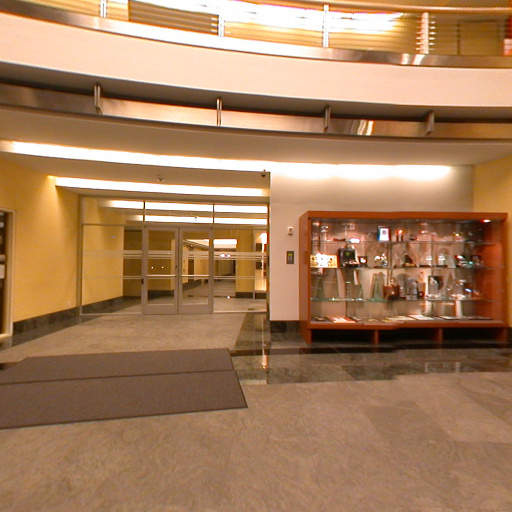
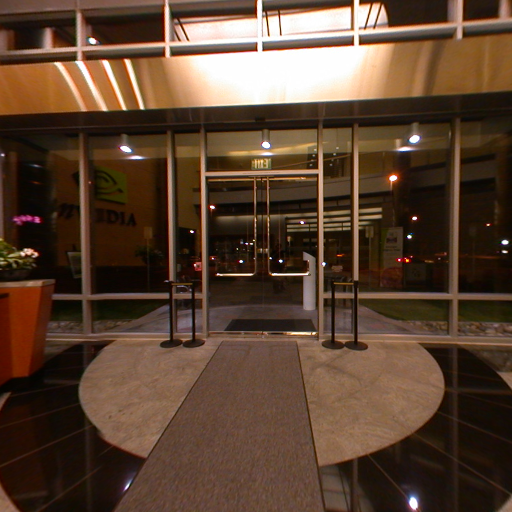
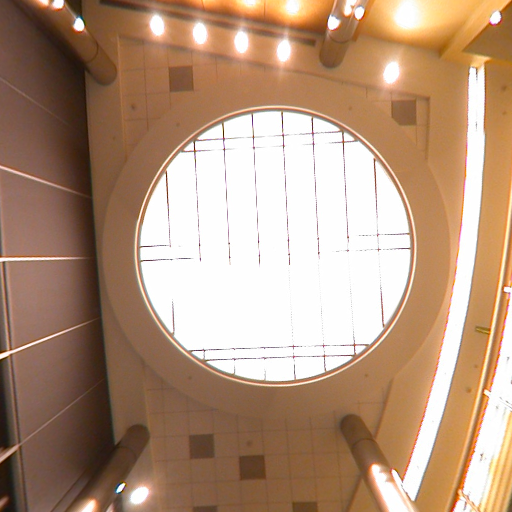
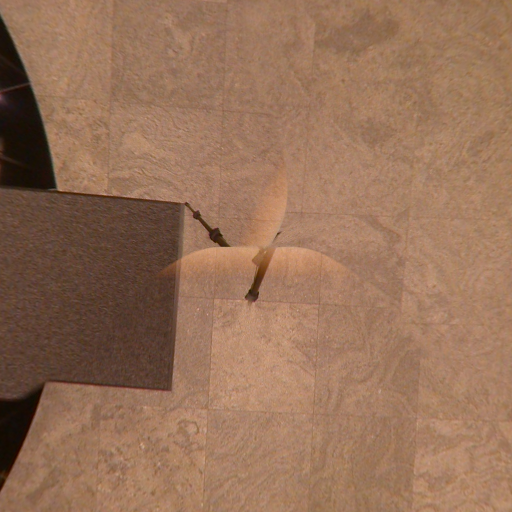
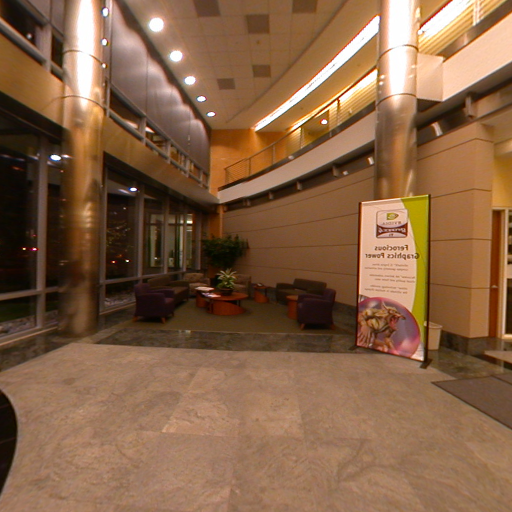
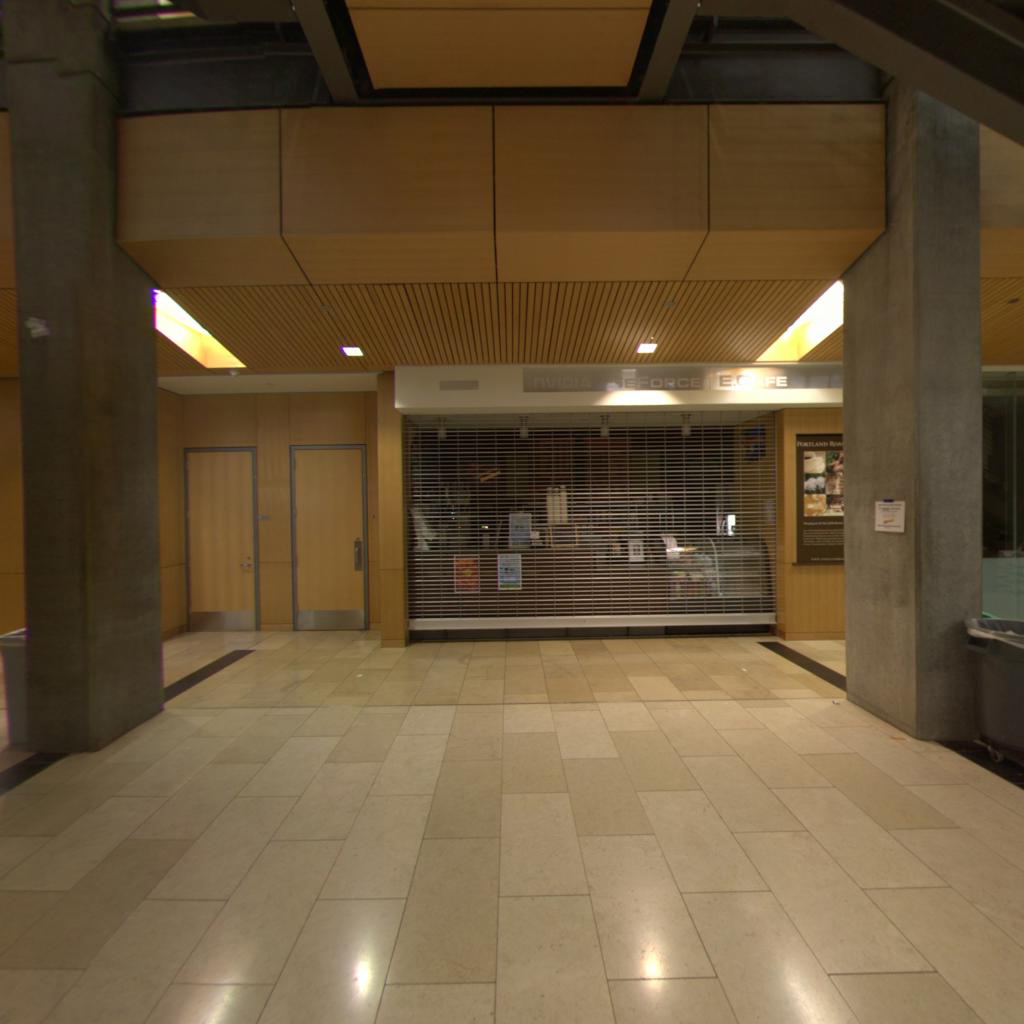
Want to use the Nvidia Lobby in a cube map?
Here are the files:
nvposx.bmp
nvnegx.bmp
nvposy.bmp
nvnegy.bmp
nvposz.bmp
nvnegz.bmp
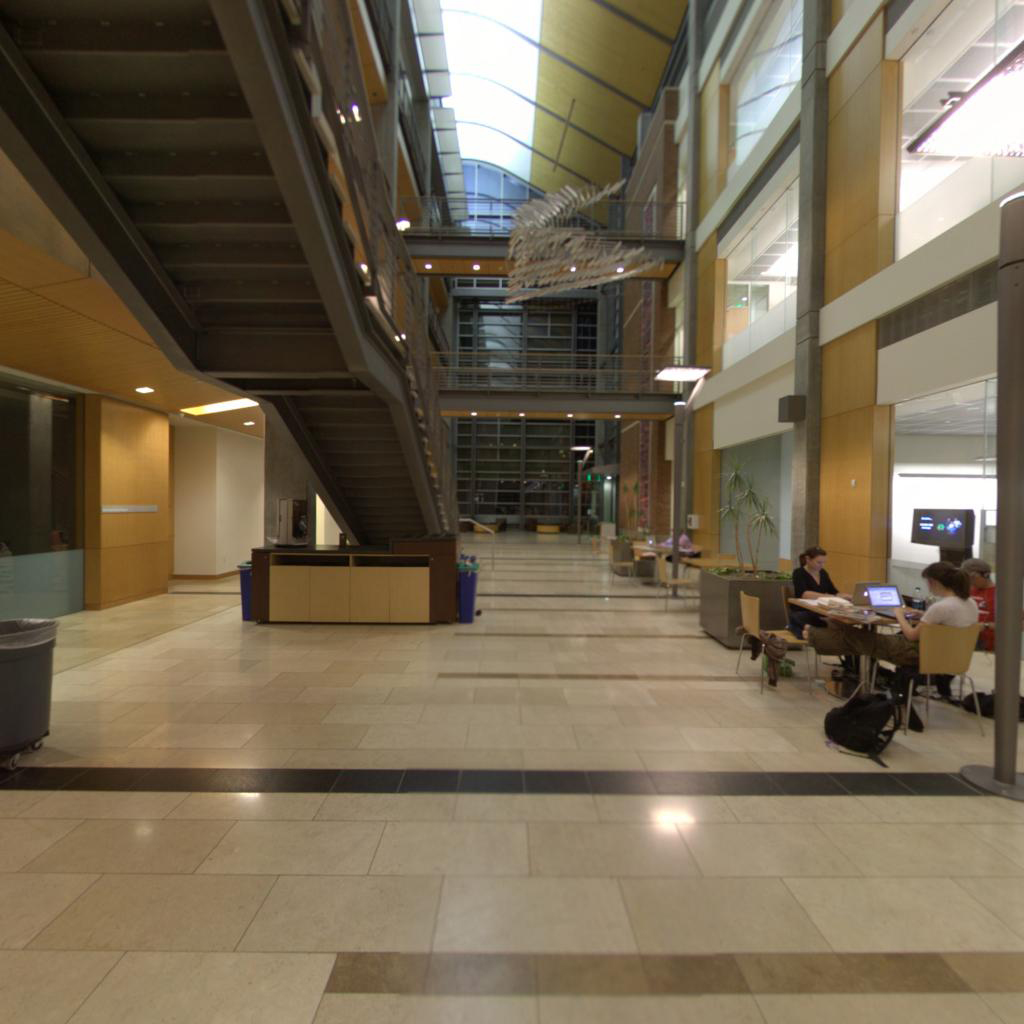
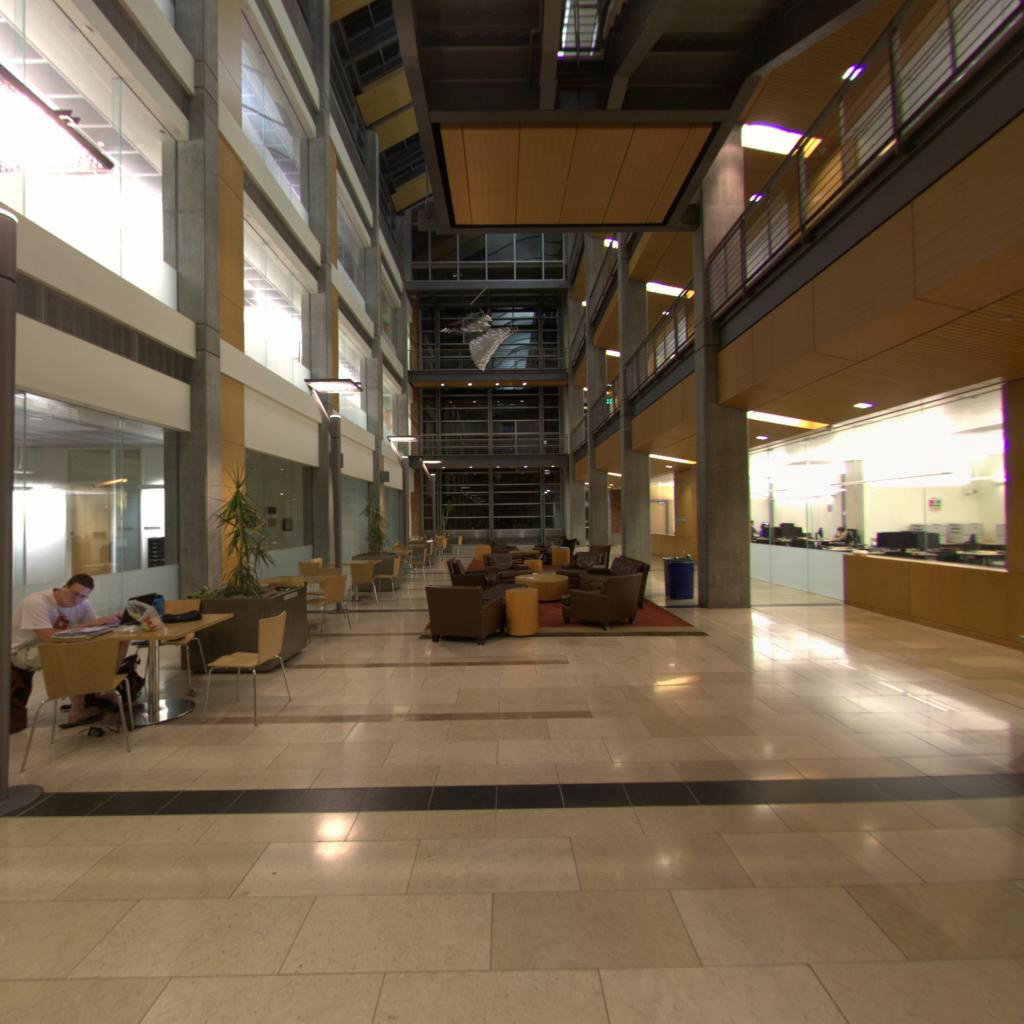
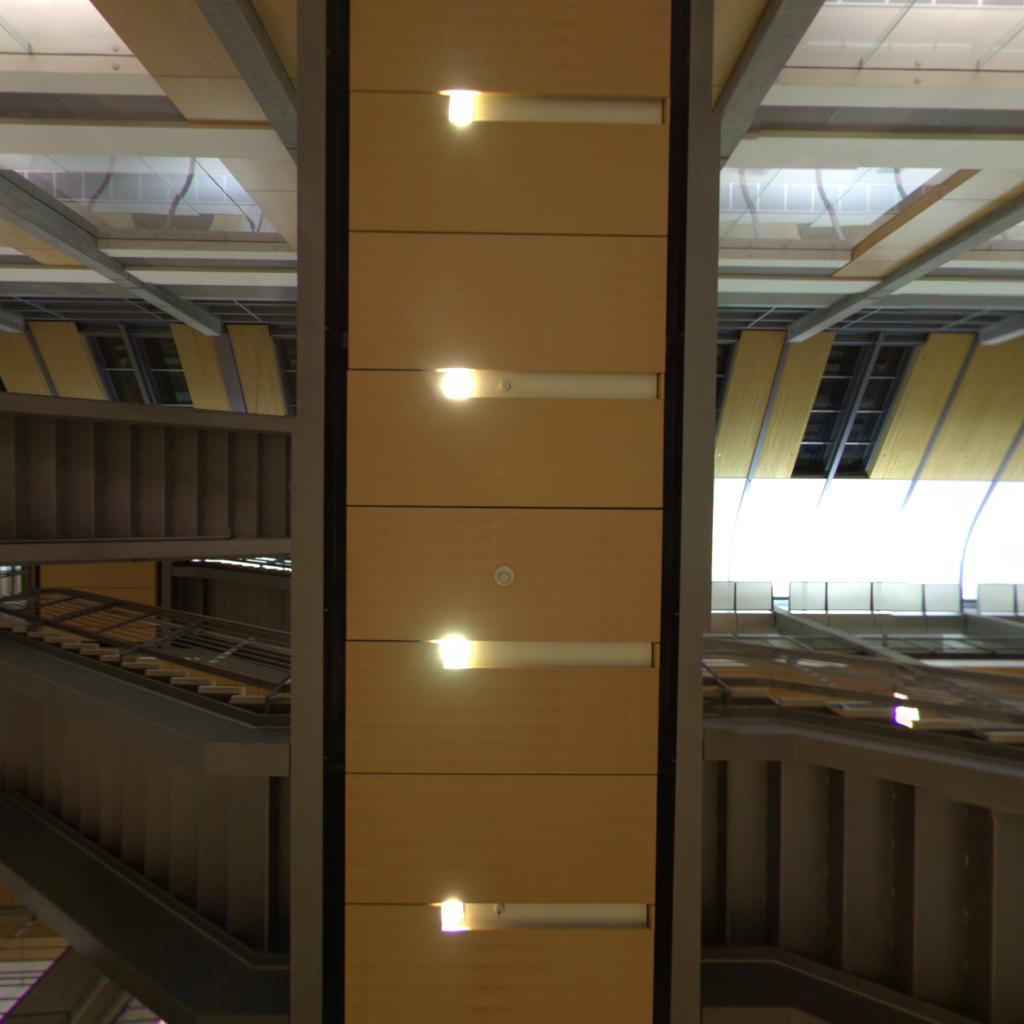
Want to use the Kelley Engineering Center Atrium in a cube map?
Here are the files:
kec.posx.bmp
kec.negx.bmp
kec.posy.bmp
kec.negy.bmp
kec.posz.bmp
kec.negz.bmp
Here is a good source of other cube maps.
| Feature | Points |
|---|---|
| Refracts correctly | 30 |
| Reflects correctly | 30 |
| Bump-maps correctly | 40 |
| Potential Total | 100 |