Latest update: April 14, 2026
Blender is a modeling, rendering, and animation program. It is useful for hobbyists as well as professionals in the CAD, entertainment, and art communities. It is great fun to learn to use, and it is free! Find out more about it here.
Blender runs on most any platform except for Chromebooks. You can download it here.
The Oregon State University 2026 Summer High School* Blender Camps will take place June 22 - June 26:
*"High School" means "going into grades 9, 10, 11, or 12 in September 2026".
Everything you need to know is right here! :-)

If you don't have one already, I strongly, strongly, strongly recommend that you get a 3-button mouse for your own use with Blender.
(The middle button is both a push-button and a scroll wheel.)
Blender makes liberal use of all 3 buttons and the scroll wheel.
You can get by with a 2-button mouse or even a trackpad,
but your Blender life will be considerably easier, more productive, and more fun with a 3-button mouse.
The 3-button mice are really inexpensive anymore.
Here's a USB 3-button mouse for under $8.
These notes are based on Blender version 5.0. (We are working to update them to cover Blender 5.1, which is not all that different from 5.0)
Latest update of these 5.0 notes: April 5, 2026
Warning! Don't be tempted to print any of these notes for the camp ... yet. They will be getting updated right up until the start of Blender Camp!
These are Blender example files from the notes.
Blender Campers: you might want to pre-load these on your home system or memory stick!
Right-click on the file name and select Save Link As..., or something to that effect depending on what browser you are using.
| anim1.blend | One-character animation |
| anim2.blend | Two-character animation |
| balltubes.blend | Physics: ball rolls down tubes |
| blowing.blend | Blowing particles (see particles.blend below) |
| cloth.blend | Cloth animation |
| cloth.pinned.blend | Pinned-cloth animation |
| cornhole.blend | Using physics to get a cube to bounce into a hole |
| cycles.blend | Cycles-rendering scene |
| cycles_stereo.blend | Spherical Stereo for a VR Headset |
| cycles_stereo_spherical.jpg | Spherical Stereo image for a VR Headset |
| dominos.blend | Rigid body dominos animation |
| fluidmonkeycone.blend | Monkey-fluid falling over a cone |
| fluttering.blend | A flag fluttering in the breeze |
| freestyle.blend | Freestyle rendering |
| golf.blend | Physics: ball rolls into a hole |
| hinge.blend | Rigid body joint |
| lattice.blend | Modeling with lattices |
| meshes.blend | The Blender set of mesh objects |
| mist.blend | Shows use of the mist option |
| model.blend | Human-ish model |
| modelmoved.blend | Human-ish model posed |
| parent-child.blend | Parent-child relationship |
| particles.blend | Non-blowing particle system (see blowing.blend above) |
| reflrefr.blend | A scene with reflection and refraction |
| reflrefr6.blend | A scene with lots of reflection and refraction |
| rigid.blend | Rigid body motion |
| scene.blend | A scene we will use to talk about rendering |
| stereo.blend | Stereographics |
| textures.blend | Both procedural and image textures |
| wireframe.blend | Using the wireframe modifier |
| worldtex.bmp | A texture file of the world |
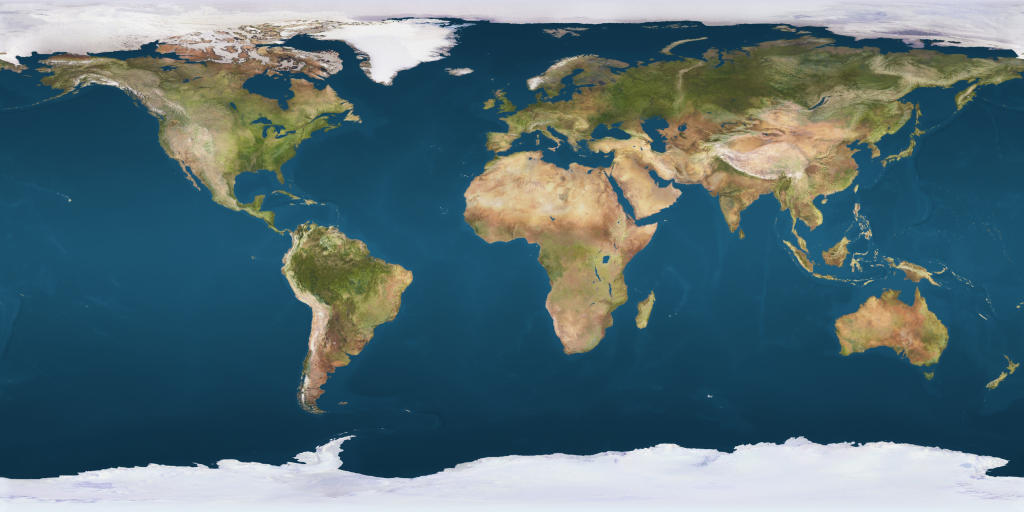
The file worldtex.bmp is a texture file of Earth. If you want textures for other planets, visit one of NASA's sites at: https://nasa3d.arc.nasa.gov/images
Also check out: https://www.solarsystemscope.com/textures/
and: https://svs.gsfc.nasa.gov/4720
These are pre-created files that can be imported into Blender. Right-click on the file name and select Save Link As..., or something to that effect depending on what browser you are using.
| cat.obj | Cat |
| bunny010n.obj | Stanford Bunny |
| cow.obj | Cow |
| dino.obj | Triceratops |
| dog.obj | Dog |
| skeleton.obj | Human skeleton |
| shapeship.obj | Spaceship |
| teapot.obj | Teapot |
| anim2,mp4 | Two-character animation |
| cloth,mp4 | Cloth animation |
| dominos,mp4 | Falling-dominos physical simulation |
| fluid.avi | A sloshing fluid. |
| fluttering.mkv | A flag fluttering in the breeze. |
| lattice,mp4 | Lattice sculpting |
| particles,mp4 | Particle simulation |
| reflrefr6,avi | An animation with lots of reflection and refraction |
It's fun to fly your group's flag! Here are some examples. Right-click on each file and select Save Link As... to save the file. Be sure to save both the .png and the .blend files for each example. Then, read in one of the .blend files into Blender and turn on the animation.
| Whose Flag? | .png Image File | .blend Blender File |
|---|---|---|
| USA | AmericanFlag.png | AmericanFlag.blend |
| Oregon State Univiversity | BeaverLogo.png | BeaverFlag.blend |
| Corvallis High School | chslogo.png | SpartanFlag.blend |
| Crescent Valley High School | cvlogo.png | RaiderFlag.blend |
Warning! Only buy Blender books that cover version 5.0 or higher!
A Whirlwind Introduction to Computer Graphics